Table of Contents

A local SEO audit is a quick check of the five things that decide whether your business shows up on Google Maps: your Google Business Profile, your citations, your reviews, your website's on-page SEO, and your backlinks. You can run a solid first-pass audit yourself in about 30 minutes using nothing but Google and a notepad. This guide walks you through exactly what to check, in what order, so you leave with a clear list of what's broken and what to fix first, not just a vague sense that "SEO is complicated." If you'd rather have a scored report instead of doing it by hand, our free local SEO audit tool checks all five areas automatically in under a minute.
Most local SEO audit guides are written for agencies charging clients thousands of dollars for a PDF report. This one is built for the business owner who wants the same answers in half an hour, for free.
What Is a Local SEO Audit?
A local SEO audit is a systematic review of every factor Google uses to decide whether your business appears in local search results, specifically the Google Map Pack (the top 3 map results), the local organic results below it, and increasingly, AI-generated answers from tools like Google AI Overviews and ChatGPT.
Google ranks local businesses using three main signals: relevance (does your business match what the searcher is looking for), distance (how close you are to the searcher), and prominence (how well-known and trusted your business is online). A local SEO audit checks all three, but focuses heaviest on prominence and relevance since those are the two you can actually control.
Why You Need One Before You Spend Money on SEO
Skipping the audit is the single most common reason local SEO campaigns fail before they start. Business owners hire an agency, buy backlinks, or write blog posts, while their Google Business Profile has the wrong category, or their address doesn't match across the web.
A blog post will not help much if your Google Business Profile uses the wrong primary category. Backlinks will not help much if your service pages don't clearly explain what you offer. An audit tells you which of these foundational issues exist before you spend a dollar building on top of a broken base.
Running an audit first also tells you exactly how big your ranking gap is against competitors, which matters if your goal is to close that gap as fast as possible. Fixing a wrong GBP category can move your ranking in weeks. Building 20 new backlinks takes months. Knowing the difference changes what you do first.
The 30-Minute Local SEO Audit (Step-by-Step)
Grab a notepad or open a blank spreadsheet. You'll go through five sections. Each one has a time estimate, stick close to it so the audit doesn't turn into an afternoon project.
Step 1: Google Business Profile Audit (8 minutes)
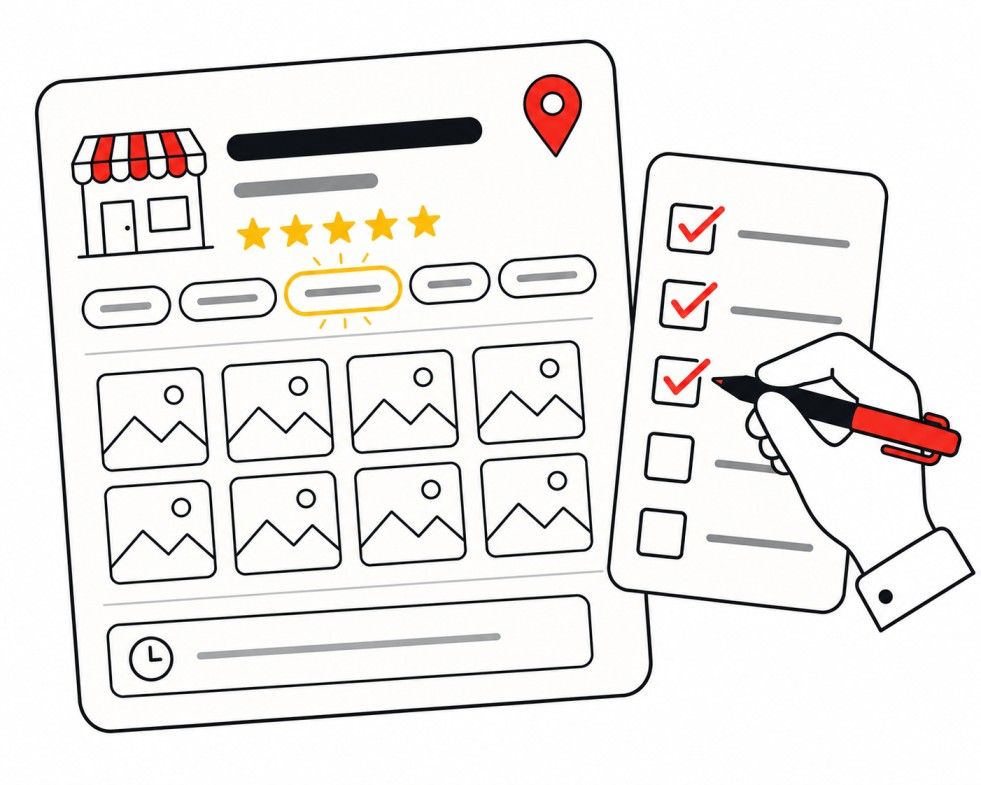
Your Google Business Profile (GBP) is the single biggest lever in local search. Start here. If you find gaps in this step, our Google Business Profile checklist walks through every field in more detail.
- Search your business name in Google. Confirm your profile shows up and is verified (look for a checkmark, not "Claim this business").
- Check your primary category. Is it the most specific option available? "Emergency Plumber" outranks "Plumber." "Personal Injury Attorney" outranks "Attorney." If your category is generic, that's your first fix.
- Count your secondary categories. You can add up to nine. Most businesses use two or three when they could use six or seven.
- Review your business description. Does it clearly state your services and service area, or is it empty/generic?
- Count your photos. Fewer than 10? That's a gap, Google's own data shows businesses with 100+ photos get significantly more calls and direction requests than average.
- Check your posting activity. Have you posted in the last 30 days? An inactive profile sends a weak engagement signal.
- Look at your Q&A section. Is it empty, or seeded with real answers to common customer questions?
- Verify your hours are current, including any holiday hours.
Quick score: Give yourself one point for each item above that's fully complete. 6+ out of 8 is solid. Below that, your GBP is likely your biggest opportunity, see our 12 reasons your GBP isn't showing up for common fixes.
Step 2: NAP and Citation Audit (5 minutes)
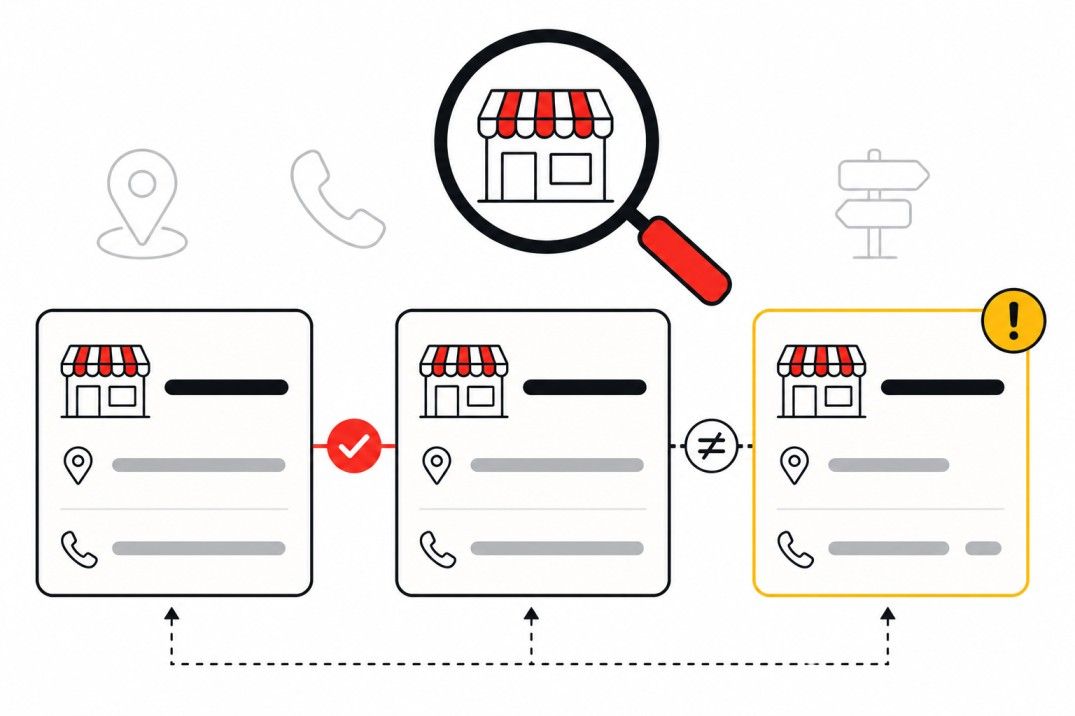
NAP stands for Name, Address, Phone, and it needs to be identical everywhere your business appears online. If you find inconsistencies, our citation building service handles cleanup across 80+ directories.
- Google your business name plus your city. Check the first two pages of results.
- Open your top 5 results one by one and compare the NAP shown against your Google Business Profile.
- Flag any mismatch. Common ones: "123 Main St" vs "123 Main Street," an old phone number from a previous provider, "Suite 200" vs "#200."
- Check whether you're listed on the core platforms: Google Business Profile, Bing Places, Apple Business Connect, Yelp, Facebook, and at least one industry-specific directory (Avvo for attorneys, Healthgrades for dentists, HomeAdvisor for home services).
Even one inconsistent listing can quietly confuse Google about which address and phone number are correct, and that uncertainty works against you in rankings.
Step 3: Review Audit (4 minutes)
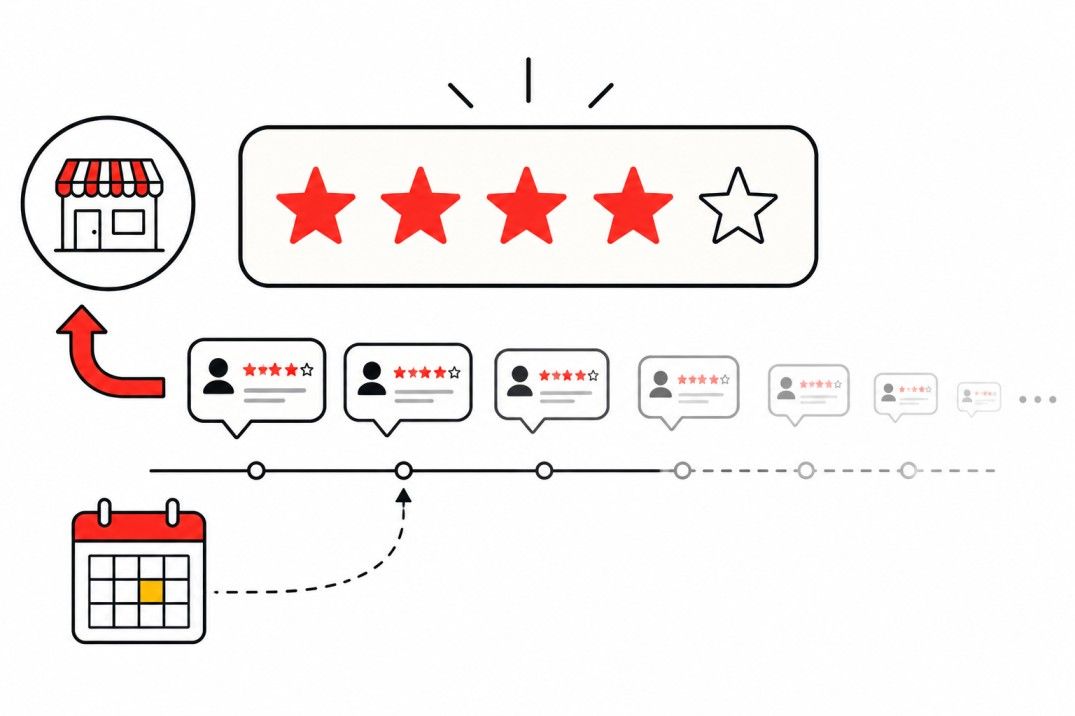
Reviews are the third most important local ranking factor, right behind GBP optimization and proximity. Our review management service can help if your velocity has stalled.
- Check your total review count against your top 3 local competitors (search your main keyword and look at the map pack).
- Check your average rating. Below 4.3 stars is worth addressing.
- Check review recency. When was your most recent review? If it's been more than 30 days, your review velocity has stalled.
- Check your response rate. Have you replied to your last 10 reviews, including any negative ones?
A 4.5-star rating with reviews coming in steadily will often outrank a 5.0-star rating that stopped growing six months ago. Recency matters as much as the score.
Step 4: On-Page SEO Audit (8 minutes)
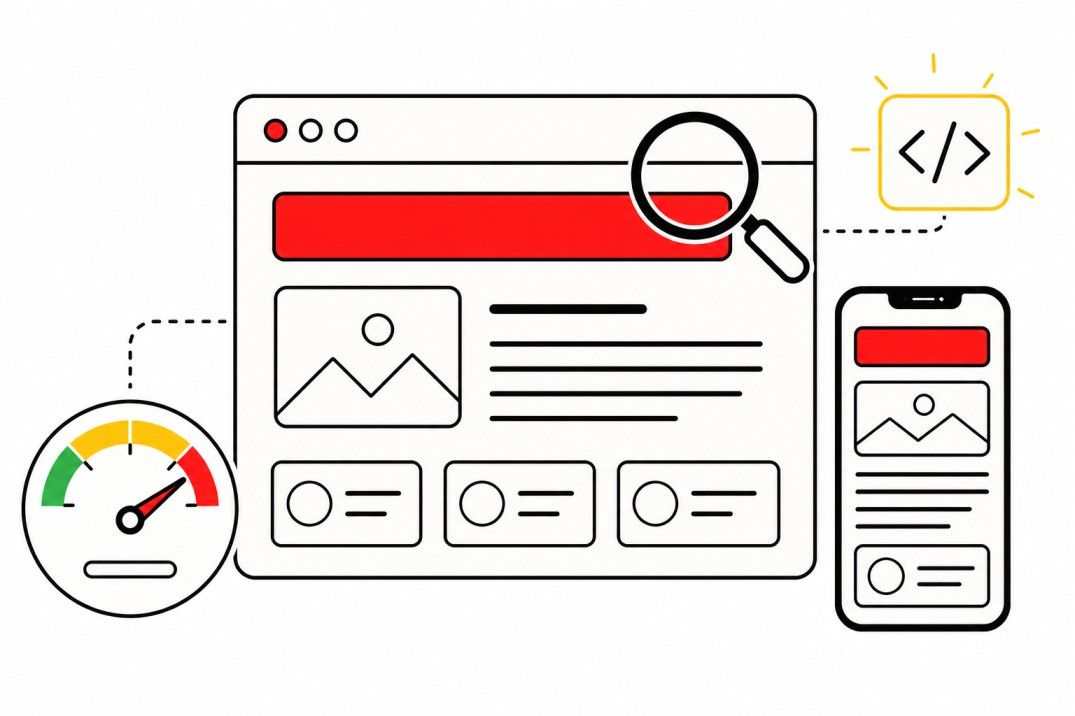
This is where your website either backs up your GBP or undercuts it. For a deeper technical review, see our website speed and conversion service.
- Check your homepage title tag. Does it include your primary service and city? Is it 50-60 characters?
- Check your H1. One per page, matching your title tag's intent but not identical to it.
- Check your first 100 words on your homepage and top service page. Do they clearly state what you do and where, or do they bury it under a generic welcome message?
- Check for a dedicated page per service. If you offer five services and have one page listing all of them, that's a missed opportunity, each service deserves its own page.
- Check for a visible NAP in your site footer.
- Run a quick mobile check. Load your site on your phone. Is the phone number tap-to-call? Does anything overlap or require zooming?
- Check your page speed using Google's free PageSpeed Insights tool. Anything in the red for mobile is worth flagging.
- Check for schema markup. View your page source (right-click → View Page Source) and search for "LocalBusiness" or "schema.org." If it's not there, your site isn't giving Google structured business data.
Step 5: Backlink and Competitor Audit (5 minutes)

- Check your backlink count for free using Ahrefs Webmaster Tools, it's free once you verify your site. For free tactics to grow this number, see our 7 free ways to build local backlinks.
- Compare that number to your top 3 local competitors using the same tool (their public backlink checker shows a limited but useful competitor view for free).
- Look for obvious local link sources you're missing: Are you a member of your Chamber of Commerce? Do you have a link from any local news coverage?
- Scan for spam signals. If your referring domain count is unusually high relative to your site's age or size, and many domains look unrelated to your industry or city, that's worth a closer look. It can indicate low-quality automated links or even a negative SEO issue.
Local SEO Audit: DIY vs Free Tool vs Agency
| Approach | Time Required | Cost | Best For |
|---|---|---|---|
| DIY manual audit (this guide) | 30-45 minutes | Free | Business owners who want a first-pass diagnosis before spending money |
| Free automated audit tool | 30 seconds - 2 minutes | Free | A fast, data-backed second opinion that catches things manual review can miss |
| Paid audit tools (BrightLocal, Whitespark) | Minutes, with deeper data | $20-100+/month | Agencies or businesses managing multiple locations |
| Hiring an agency | Delivered to you, no time cost | $300-1,500+ for an audit report | Businesses that want a prioritized action plan and someone to execute it |
If you've never run a local SEO audit before, do the manual version first. It builds a working understanding of what actually matters, which makes any tool or agency report you look at afterward much easier to evaluate.

Once you've done the manual pass, running a free automated local SEO audit tool is a good sanity check. It scores your site and profile against dozens of factors in seconds and often surfaces technical issues, like missing schema or slow page speed, that are easy to miss by eye.
What to Do With Your Audit Results
Once you've gone through all five steps, you'll have a list of issues. Prioritize them this way:
- Fix GBP category and NAP errors first. These are free, take minutes, and directly affect relevance.
- Fix anything broken on your website second, missing schema, slow load times, no service pages.
- Start a review request habit third. This compounds over months, so the sooner you start, the sooner it pays off.
- Build backlinks last. Not because they don't matter, but because links built on top of a broken GBP or inconsistent NAP deliver a fraction of their potential value.
Re-run this audit every 60-90 days. Local SEO isn't a one-time project. Competitors change their profiles, citations drift out of sync, and Google's algorithm updates regularly. Businesses that treat their online presence as a system to check on quarterly consistently outrank those that set it up once and forget it.
If you'd rather skip the manual work, run a free local SEO audit and we'll score your Google Business Profile, citations, reviews, and website in about 30 seconds, then show you exactly what to fix first. And if you want a fully managed program instead of a DIY checklist, our local SEO service covers all five areas from this audit end to end.
Get Your Free Local SEO Audit in 30 Seconds
Skip the manual checklist. We'll score your Google Business Profile, citations, reviews, and website automatically and show you exactly what's holding your rankings back.
Related reading:
- Local SEO Checklist for Small Businesses [2026 Updated Edition]
- Google Business Profile Checklist for Local Business
- Why Your GBP Isn't Showing Up: 12 Reasons and How to Fix Each One
- Local SEO Backlinks: 7 Free Ways to Build Them
- Local SEO services
Related reading
- Free Local SEO Audit. Run the 17-point version automatically.
- NAP Consistency Checker. Check the data consistency step of the audit.
- The 2026 Local SEO Checklist. Fix what the audit finds.
- Local SEO Benchmarks 2026. Compare your numbers against measured figures for your trade.
Frequently Asked Questions
What is included in a local SEO audit?
A local SEO audit reviews five core areas: your Google Business Profile completeness and accuracy, your NAP consistency across citations, your review count and response rate, your website's on-page SEO and technical health, and your backlink profile compared to competitors. Together, these five areas determine most of your visibility in Google's local map pack and organic local results.
How long does a local SEO audit take?
A basic local SEO audit takes about 30 to 45 minutes when done manually using the steps in this guide. A free automated audit tool can deliver a scored report in under a minute by checking your Google Business Profile, website, and citations against dozens of ranking factors simultaneously. A full agency-level audit with competitor benchmarking and a prioritized action plan typically takes a few days to a week to complete properly.
Can I do a local SEO audit myself for free?
Yes, you can run a complete local SEO audit yourself for free using nothing but Google, your Google Business Profile dashboard, and a few free tools like Google PageSpeed Insights and Ahrefs Webmaster Tools. The manual steps in this guide cover the same five core areas — GBP, citations, reviews, on-page SEO, and backlinks — that paid audit tools and agencies check. The tradeoff is time and depth: a free tool or paid platform can score dozens of additional factors automatically in seconds.
How often should I audit my local SEO?
Most local businesses should run a local SEO audit every 60 to 90 days. Google's local algorithm updates regularly, competitors change their Google Business Profiles and add new links, and citations can quietly drift out of sync when a business moves or changes its phone provider. A quarterly audit catches these issues before they cause a visible ranking drop.
What tools do I need for a local SEO audit?
You can complete a solid local SEO audit with entirely free tools: your Google Business Profile dashboard, Google Search Console, Google PageSpeed Insights, and Ahrefs Webmaster Tools for backlink data. For a faster first pass, a free local SEO audit tool can score your Google Business Profile, website, and citations automatically without requiring you to check each factor by hand.
What's the difference between a local SEO audit and a regular SEO audit?
A regular SEO audit focuses on general organic ranking factors like content quality, site architecture, and backlinks without a geographic component. A local SEO audit adds location-specific factors that only matter for businesses trying to rank in a specific city or service area — Google Business Profile optimization, NAP consistency across citations, local review signals, and geographic relevance in on-page content. A plumber or dentist needs a local SEO audit; a national e-commerce brand needs a regular SEO audit.
Ashikur Rohoman
Founder | SEO link Builder and Website Optimizer
Md Ashikur Rohoman is the founder of LocalHero, a local SEO agency that helps service businesses rank higher on Google and get more calls. He's worked with plumbers, dentists, lawyers, and HVAC companies across the US to build real local visibility through backlinks, citations, and Google Business Profile optimization. Connect with him on LinkedIn
More local SEO playbooks
Ready to be the local hero in your city?
Get a free local SEO audit of your site, Google Business Profile, citations, and top three Map Pack competitors. You will see exactly where you can win in 30 seconds.
- No long term contracts
- No lock in
- Cancel anytime